

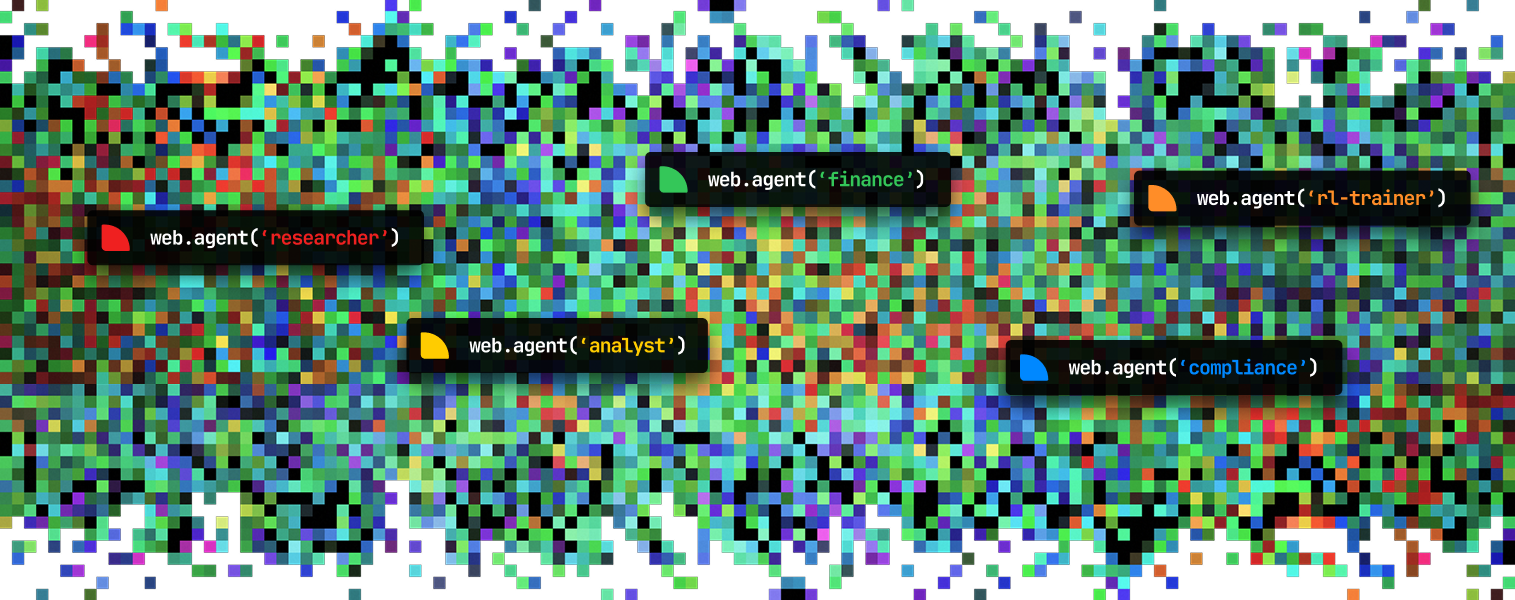
Built for web workflows that need control
Real web applications are runtime environments, not static pages: sessions expire, UI changes, downloads matter, blockers appear, and results often need to become structured data or artifacts. Webcompute provides the managed browser runtime for that work, plus tools to inspect runs, set boundaries, capture evidence, and integrate results into software. Use the CLI when you want a workflow you can run directly. Use the SDK when it should run inside an application, backend process, or recurring automation.Run a workflow from the CLI
From first run to working system
1
Run directly
Use
web agent when you want a standalone workflow from the terminal with a model profile, starting URL, and domain boundary.2
Build with the SDK
Use SDK
web.agent() when the workflow belongs in an application feature, backend process, or recurring automation.3
Add runtime controls
Use managed browser resources for policy, approvals, secrets, structured output, files, downloads, recordings, and recovery paths.
4
Inspect what happened
Use Debug UI, recordings, status, events, artifacts, and blocker signals to understand each run and decide the next action.
5
Use exact control only when needed
Use browser-code execution, REST, or CDP when a specific browser step or integration boundary must be deterministic.
Run with the CLI
Install Webcompute, configure a model, and run an inspectable workflow from the terminal.
Build with the SDK
Create agentic workflows inside applications, backend services, and recurring automations.
Mix agent and code
Combine model-driven browser work with explicit resources, validation, and recovery logic.
Observe and debug
Inspect live browsers, recordings, artifacts, status, blockers, and errors.
What Webcompute provides
- Managed cloud browsers for agentic workflows over real web applications.
- Agent tooling across CLI, SDK, and MCP for direct runs, application features, and recurring automations.
- Production controls for policy, approvals, secrets, structured output, files, downloads, and recovery.
- Observability through Debug UI, status, events, recordings, artifacts, and blocker signals.
- Integration surfaces for CLI, SDK, MCP, REST, CDP, and quick actions.
Inspectable by default
Agentic web workflows should not disappear into a black box. Webcompute gives each run a managed browser, live status, events, recordings, artifacts, and blocker signals so teams can understand what happened and decide what to do next.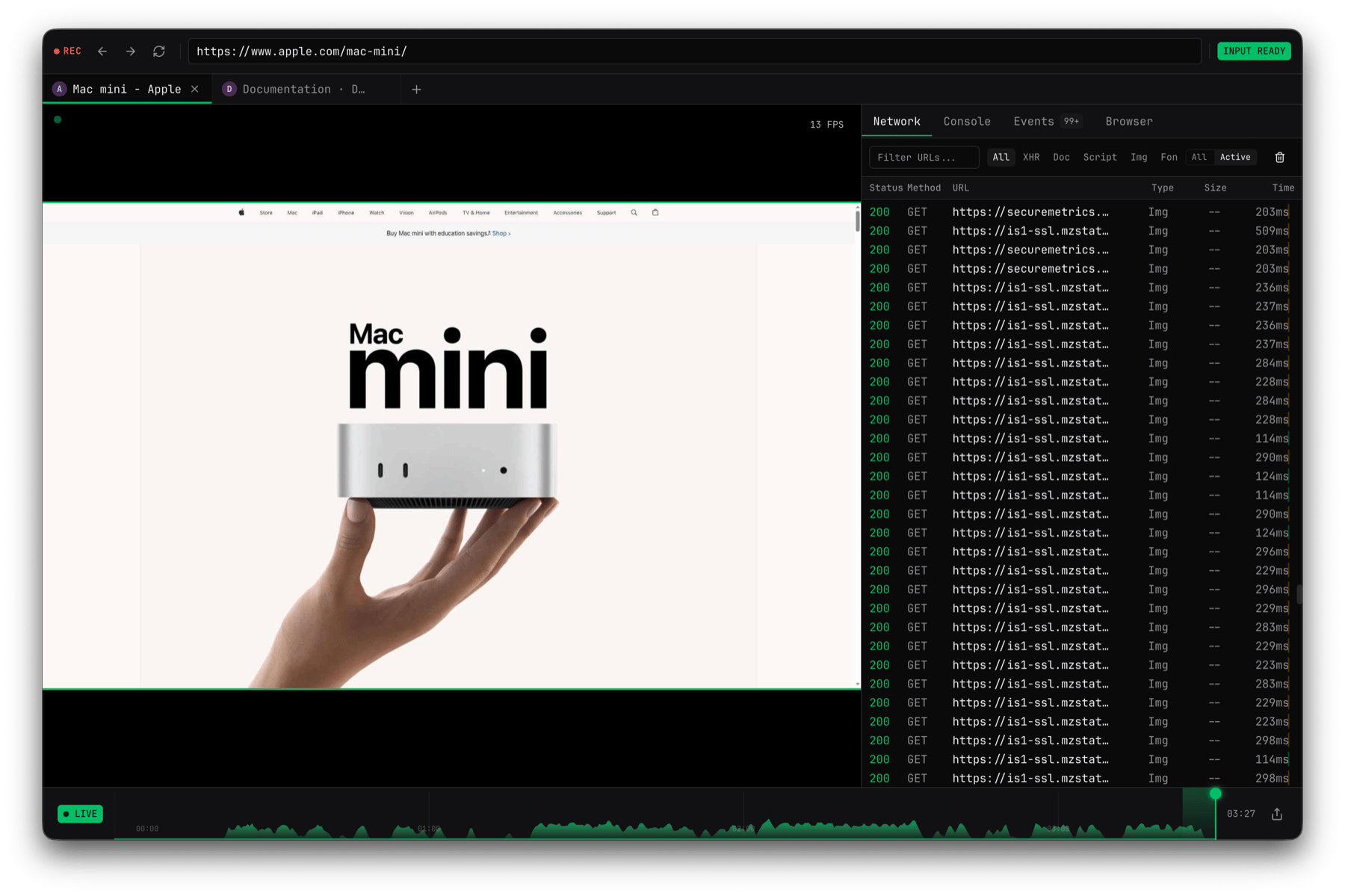
1
Delegate the goal
Use
web agent or SDK web.agent() when a configured model should decide the browser steps.2
Control exact steps
Use direct Playwright control when your app or coding agent should own deterministic browser steps.
3
Inspect what happened
Use Debug UI, recordings, observations, status, events, files, downloads, and screenshots to understand the run.
4
Add production guardrails
Add policy, approvals, secrets, retries, timeouts, resource handling, and cleanup as the workflow moves toward production.